Identify with Confidence
Photograph a plant, compare ranked visual suggestions and reference photos, then confirm the match yourself before care begins.
Calm houseplant care · Coming soon to iOS and Android

Plant at Ease helps beginners identify an unknown houseplant, understand what it needs, and keep up with care one useful check at a time. Start with a photo or a name, personalize the plan for your home, and check the soil before deciding whether to water.
Inside Plant at Ease
The app turns plant identification, household context, and care history into a calmer daily routine with no endless feed and no rigid watering countdown.
A beginner-first care loop
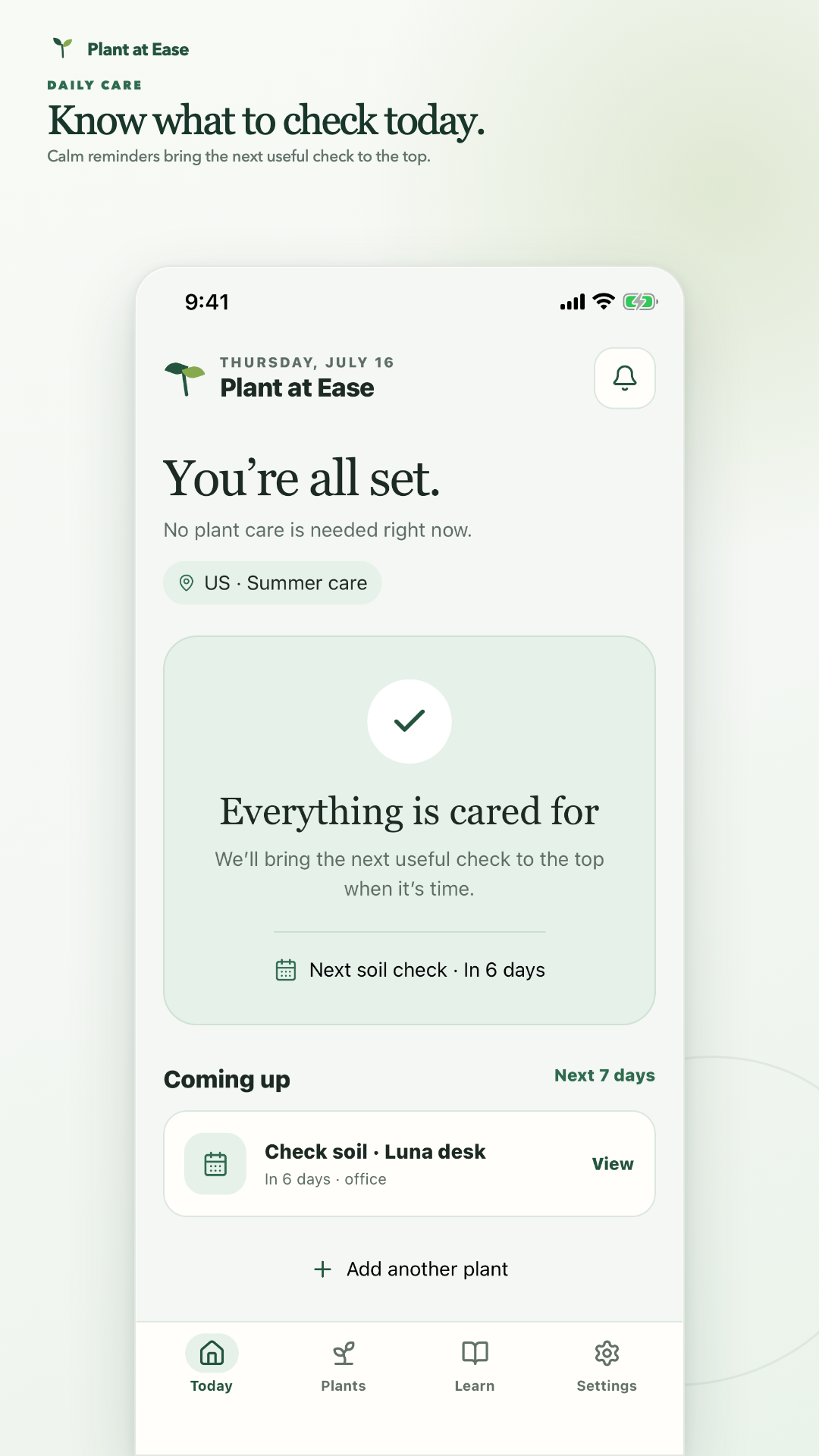
Plant at Ease focuses on the decisions that keep a small houseplant collection manageable. Each plant gets a profile, a care plan, a next check, and a history that becomes more useful as you report what you observe.
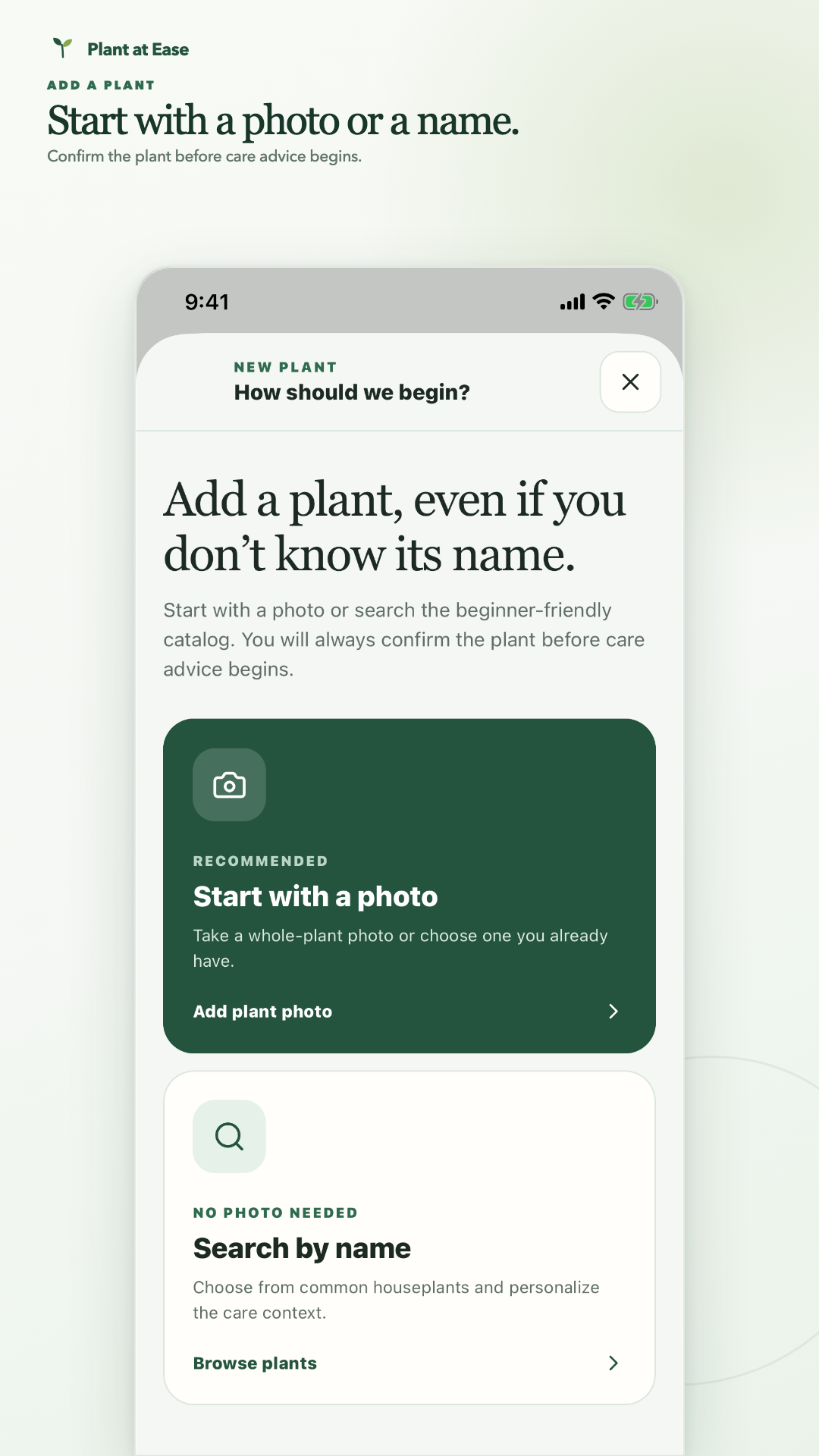
Photograph a plant, compare ranked visual suggestions and reference photos, then confirm the match yourself before care begins.
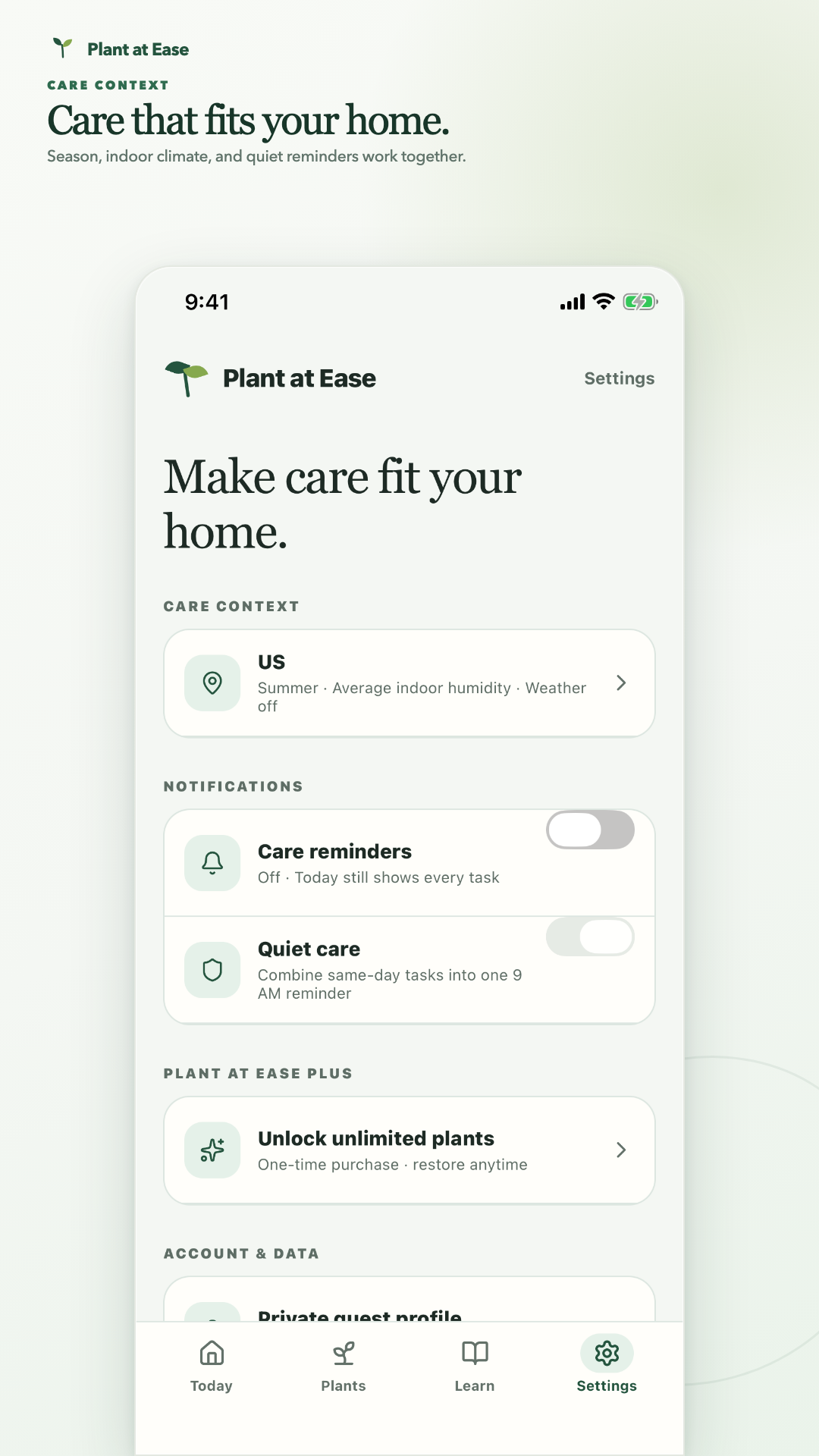
Combine plant type, light, drainage, room placement, season, indoor climate, and optional weather context.
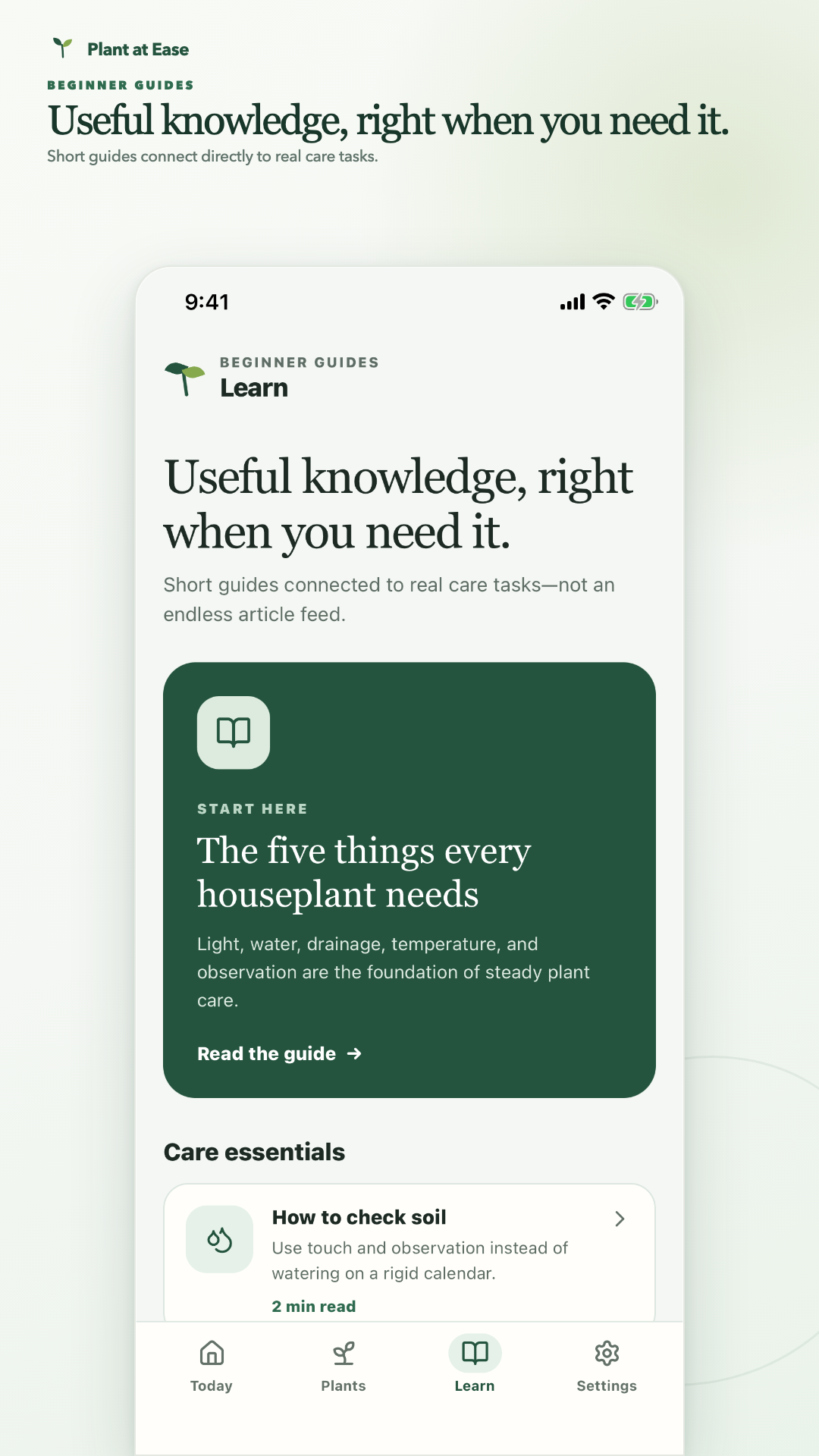
Use quick soil observations to decide what the plant needs and schedule the next useful check.
Add a plant your way
Photo identification offers up to three likely visual matches through Pl@ntNet. Manual search remains available when a photo is unclear, the daily identification limit has been reached, or you already know the plant's name.
Care that responds
Instead of treating a calendar as proof that a plant needs water, Plant at Ease asks what the soil feels like. Dry, damp, wet, and uncertain reports update care history and move the next check to a more useful time.
See due plants, the next useful check, and what is coming up without sorting through every plant.
Review previous observations, timing changes, and plain-language reasons behind the current plan.
Choose individual care reminders or combine same-day tasks into one quiet morning notification.
Optional weather context
Broad seasonal care works without GPS. If you opt in, Plant at Ease requests low-accuracy foreground location once, rounds the coordinates on the device, and uses local heat, cold, humidity, and rain to adjust only nearby care windows when the signal is relevant.
Guest-first and transparent
Plant profiles and care history can synchronize under a random anonymous Firebase guest ID, while photos and care location remain on the device. The app explains each data path and includes controls to export plant data or delete local data and the private guest cloud profile.
No sign-up form, social login, public profile, or contact list access is required.
A normalized photo copy is sent only when you choose identification and is never sent with your location.
Export plant records or permanently delete plants, photos, care history, preferences, and the guest cloud profile.
Availability
Planned as a free download for iPhone and Android. Free users can care for up to three plants, and Plant at Ease Plus removes that limit with a one-time $0.99 lifetime purchase—no recurring subscription. Public store links will be added here when the listings are ready.
App-specific details
Get help with plant identification, care plans, reminders, weather context, guest sync, data controls, or Plus, and review how each feature handles information.